Custom vs. Off-the-Shelf POS for Restaurants: Which Is Right?
Compare custom and off-the-shelf restaurant POS systems on cost, kitchen workflow, delivery integrations, offline mode and data ownership.
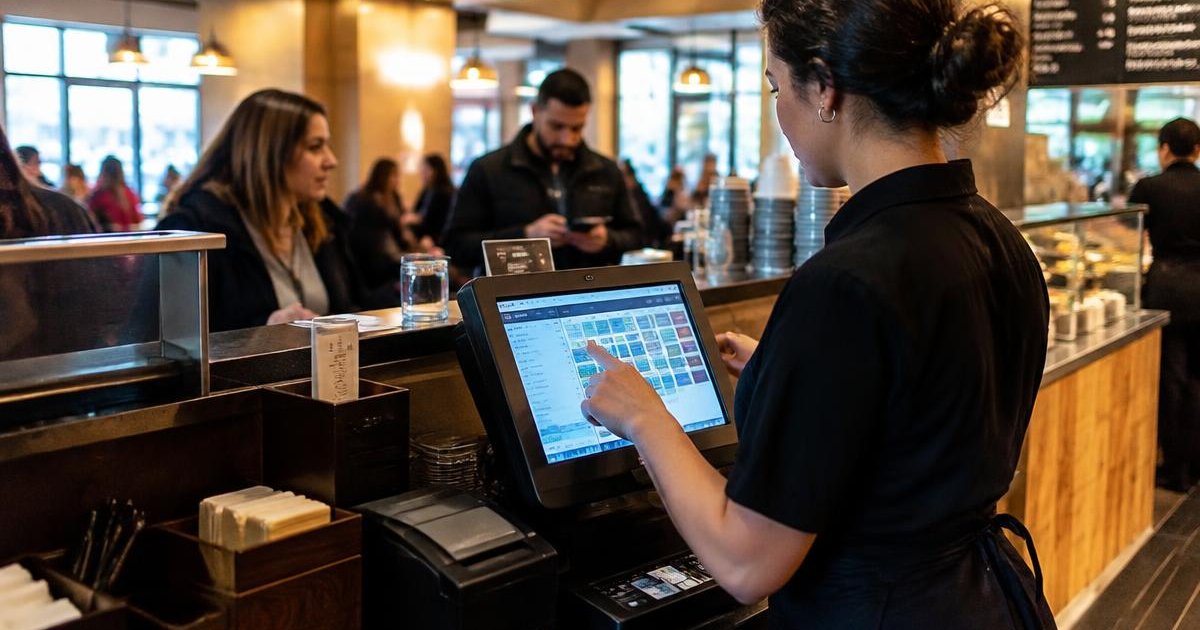
What both types do
Every restaurant POS takes orders, prints or displays kitchen tickets, splits bills and records payments. The differences show up in how closely the system follows your floor, kitchen and delivery workflow.
Where off-the-shelf POS wins
Fast setup, a familiar interface and a predictable monthly fee. It works well for a single cafe or quick-service counter with a standard menu and no unusual modifiers or recipes.
Where a customizable POS wins
Custom table layouts, course timing and KOT routing per kitchen station.
Delivery orders from several apps landing in one queue instead of being re-keyed.
Recipe-level inventory so food cost is calculated against every sale.
No per-terminal subscription and complete ownership of customer and sales data.
Questions to ask before you choose
Does it keep taking orders when the internet drops? Can it print to your existing kitchen printers? How are menu changes pushed to all outlets? Who owns the data if you leave?
Frequently asked questions
Is a custom restaurant POS expensive?
+
Starting from a ready-made restaurant system and customizing it keeps cost and timeline far below a from-scratch build. You get a written quote after a free demo.
Can a POS handle dine-in and delivery together?
+
Yes. A well-designed restaurant POS puts dine-in, takeaway and delivery orders into one kitchen queue with separate reports for each channel.
Does it work offline?
+
The Windows version keeps taking orders and printing tickets during outages and syncs when the connection returns.